
Keeping a digital diary can be a life-changing habit. It helps you track your thoughts, manage stress, and reflect on your progress over time. But for many, starting is the easy part—staying consistent is the real challenge. You may feel motivated in the beginning, only to lose momentum after a few days or weeks. This is a common experience, but it doesn’t have to be your story. With the right strategies, tools, and mindset, you can turn digital journaling into a lasting, rewarding routine.
This guide will show you how to build and maintain consistency with your digital diary. It draws from research, real-world examples, and expert advice. Whether you’re using a powerful privacy-focused tool like SafeDiary or another digital platform, you’ll find practical tips, clever techniques, and common pitfalls to avoid. Let’s dive in and help you make digital journaling a consistent part of your life.
Why Consistency Matters In Digital Journaling
Consistency is the backbone of any self-improvement effort, including digital journaling. Writing regularly doesn’t just create a record of your days—it strengthens your memory, boosts your self-awareness, and helps you spot patterns in your life. Studies show that people who journal consistently experience less stress and better mental health compared to those who write only sporadically.
A digital diary, especially one with strong privacy like SafeDiary, offers extra advantages. It’s always available on your device, can be searched in seconds, and secures your thoughts with encryption. But even with these benefits, the habit only works if you maintain it. That’s why understanding how to stay consistent is so important.

Choosing The Right Digital Diary Platform
Picking the right tool is the first step to building a lasting journaling habit. Not all digital diaries are the same, and a poor fit can make consistency harder. Here’s what to look for:
Key Features To Prioritize
- Privacy and Security: Choose a diary that protects your entries. SafeDiary, for example, uses zero-knowledge, end-to-end encryption (AES-256-GCM), meaning only you can read your data.
- Ease of Use: The interface should be simple and intuitive. Complicated menus or slow loading times can turn small barriers into excuses.
- Cross-Device Support: Make sure you can access your diary on all your devices—phone, laptop, or tablet.
- Backup and Export: It should allow you to safely export and import your entries.
- Customization: Features like tags, search, and markdown support make organizing and finding notes easier.
Comparing Popular Digital Diary Apps
Below is a comparison of three top digital diary apps, including SafeDiary:
| App | Privacy Features | Ease of Use | Cross-Device | Customization |
|---|---|---|---|---|
| SafeDiary | Zero-knowledge encryption, 2FA, auto-lock | Simple, browser-based | Yes | Markdown, tags, search |
| Day One | Encryption, password protection | Very easy | Yes | Photos, tags, templates |
| Penzu | Password, encryption (Pro) | Easy | Yes | Tags, reminders |
Choosing a privacy-focused option like SafeDiary can help you write honestly, knowing your thoughts are protected.
Setting Clear Goals And Intentions
One reason people stop journaling is they don’t know why they’re doing it. Setting clear intentions can give your practice meaning and direction.
How To Define Your Journaling Purpose
Ask yourself:
- What do I want to get out of this diary?
- Am I journaling to manage stress, track progress, capture memories, or something else?
- How much time can I realistically commit each day or week?
Write your answers in the first entry of your digital diary. Revisit them if you lose motivation.
Example Goals
- Write 100 words daily about your mood.
- Record three things you’re grateful for each evening.
- Track progress on a personal project each week.
Non-obvious insight: Your goal can change over time. Don’t be afraid to adjust as your needs evolve.
Building A Routine That Sticks
Consistency is easier when journaling becomes part of your routine. Here’s how to make it stick:
1. Choose A Specific Time
Pick a time that fits your life—morning coffee, lunch break, or bedtime. Attach journaling to an existing habit, like brushing your teeth.
2. Start Small
It’s better to write one line every day than to burn out after a week of long entries. Small wins build confidence.
3. Use Reminders
Set notifications on your phone or calendar. Many apps, including SafeDiary, allow you to set reminders.
4. Prepare Your Space
Find a spot where you feel comfortable and focused. If you journal on your phone or laptop, keep the app’s icon visible on your home screen.
5. Track Your Streak
Seeing a streak of completed days can be motivating. Some apps show streaks, or you can note them manually.
Advanced tip: If you miss a day, don’t punish yourself. Consistency is about long-term trends, not perfection.
Making Journaling Enjoyable
People are more likely to stick with habits they enjoy. Make your digital diary something you look forward to.
Personalize Your Experience
- Use tags to organize your entries by theme (e.g., “work”, “dreams”, “gratitude”).
- Try markdown formatting for creative writing or lists.
- Add emojis, images, or links if your app supports it.
Experiment With Prompts
Not sure what to write? Prompts can spark ideas. Some examples:
- What did I learn today?
- What’s something I want to improve?
- Describe a moment of kindness you witnessed.
Celebrate Small Wins
When you hit a milestone—like 7 days straight—give yourself a small reward. This could be a favorite snack or sharing your progress with a friend.

Overcoming Common Obstacles
Even with the best tools and intentions, obstacles will arise. Here’s how to handle the most common ones:
1. Lack Of Time
Solution: Lower your expectations. Even a single sentence counts. Use your phone to write on the go.
2. Fear Of Privacy Breach
Solution: Use a secure app like SafeDiary with end-to-end encryption. Enable features like Two-Factor Authentication (2FA), auto-lock, and panic lock.
3. Writer’s Block
Solution: Use tags or prompts. Write about your environment or feelings, even if it seems boring. Consistency is more important than content quality at first.
4. Boredom
Solution: Change the format. Try bullet points, poems, or voice-to-text. Use markdown to add variety.
5. Forgetting To Write
Solution: Set up reminders and place visual cues (like sticky notes or app shortcuts) where you’ll see them.
Hidden insight: Many people stop journaling when life gets busy or stressful—but these are the times when writing helps most. View your diary as a tool for tough days, not just good ones.
Leveraging Digital Tools For Better Consistency
Digital diaries offer unique features that can make consistency easier compared to paper journals.
Search And Organization
Tags and search functions let you find old entries quickly. For example, you can search “anxiety” to see how you’ve managed stress over months.
Encrypted Export/import
SafeDiary lets you export and import entries securely. This means you can back up your diary or move it to a new device without fear of leaks.
Multi-device Access
Browser-based apps allow you to write from any device. If you forget your laptop, you can continue on your phone.
Markdown Writing
Markdown lets you add headers, lists, or bold text easily. This keeps your entries organized and visually appealing.
Security Features
Features like auto-lock and panic lock add extra protection. If you’re interrupted, your diary locks automatically.
Table: Feature Benefits For Consistency
| Feature | How It Helps Consistency | Example Use |
|---|---|---|
| Tags | Keeps entries organized | Tag entries as “dreams”, “work”, “goals” |
| Reminders | Prompts you to write regularly | Daily notifications at 8pm |
| Encryption | Encourages honest writing | Write private thoughts without worry |
| Export/Import | Protects your data history | Backup entries monthly |
Tracking Your Progress
Measuring your consistency can be motivating. Here’s how to do it:
Use Built-in Stats
Some apps show stats like “days written this month” or word counts. Check these weekly.
Create A Simple Progress Table
You can create your own log, noting the date and a quick summary.
| Date | Entry Completed? | Notes |
|---|---|---|
| 2024-06-10 | Yes | Wrote about work stress |
| 2024-06-11 | Yes | Gratitude list |
| 2024-06-12 | No | Busy day, missed entry |
| 2024-06-13 | Yes | Short reflection |
Review Regularly
Every month, review your streaks and skipped days. Focus on improvement, not perfection.
Adapting Your Approach Over Time
Your needs will change, and so should your journaling routine.
Experiment With Frequency
If daily journaling feels forced, try writing every other day or weekly summaries. The key is finding a pace that feels natural.
Update Your Goals
As your life changes, your diary can too. Shift your focus from emotional tracking to creative writing, or from daily logs to monthly reflections.
Try New Features
Apps like SafeDiary regularly add new features. Try markdown, encrypted exports, or new themes to keep things fresh.
Share (if You Want)
Most digital diaries are private, but some people find value in sharing entries with a trusted friend or therapist. Only do this if you feel comfortable and use secure sharing methods.
Advanced insight: Some people stop journaling when their lives stabilize. But a diary can also help you spot slow changes and avoid repeating old mistakes.
Staying Motivated For The Long Term
Motivation naturally rises and falls. Here are ways to keep going even when excitement fades:
Revisit Your Reasons
Look back at your first entry. Remind yourself why you started. Update your reasons as needed.
Connect With A Community
Many people use digital diaries—find forums or groups for accountability and ideas. For example, the Journaling subreddit has thousands of members sharing tips.
Focus On The Benefits
Notice how you feel on days you write versus days you don’t. Journaling can improve mood, sleep, and focus.
Forgive Missed Days
Missing a day or two doesn’t erase your progress. Consistency is about showing up again, not being perfect.
Reward Yourself
Set small rewards for regular writing. This could be a treat, a new notebook, or extra relaxation time.
Frequently Asked Questions
How Do I Keep My Digital Diary Private?
Choose a diary app with strong security features. SafeDiary uses zero-knowledge, end-to-end encryption, 2FA, auto-lock, and panic lock. Also, avoid sharing your device password and always log out if you use a shared computer.
What If I Don’t Know What To Write About?
Use prompts or tags to get started. Write about your mood, recent events, or goals. Even short notes help build the habit. Over time, it gets easier to find topics.
How Often Should I Write In My Digital Diary?
There’s no strict rule. Many people find daily writing helpful, but weekly or even monthly entries can work. The key is consistency—pick a schedule you can maintain and adjust as needed.
Can I Use My Digital Diary For More Than Just Journaling?
Absolutely. Many people use their digital diary for note-taking, task lists, creative writing, or tracking habits. Features like tags, search, and markdown make it easy to organize different types of entries.
What Makes Safediary Different From Other Digital Diaries?
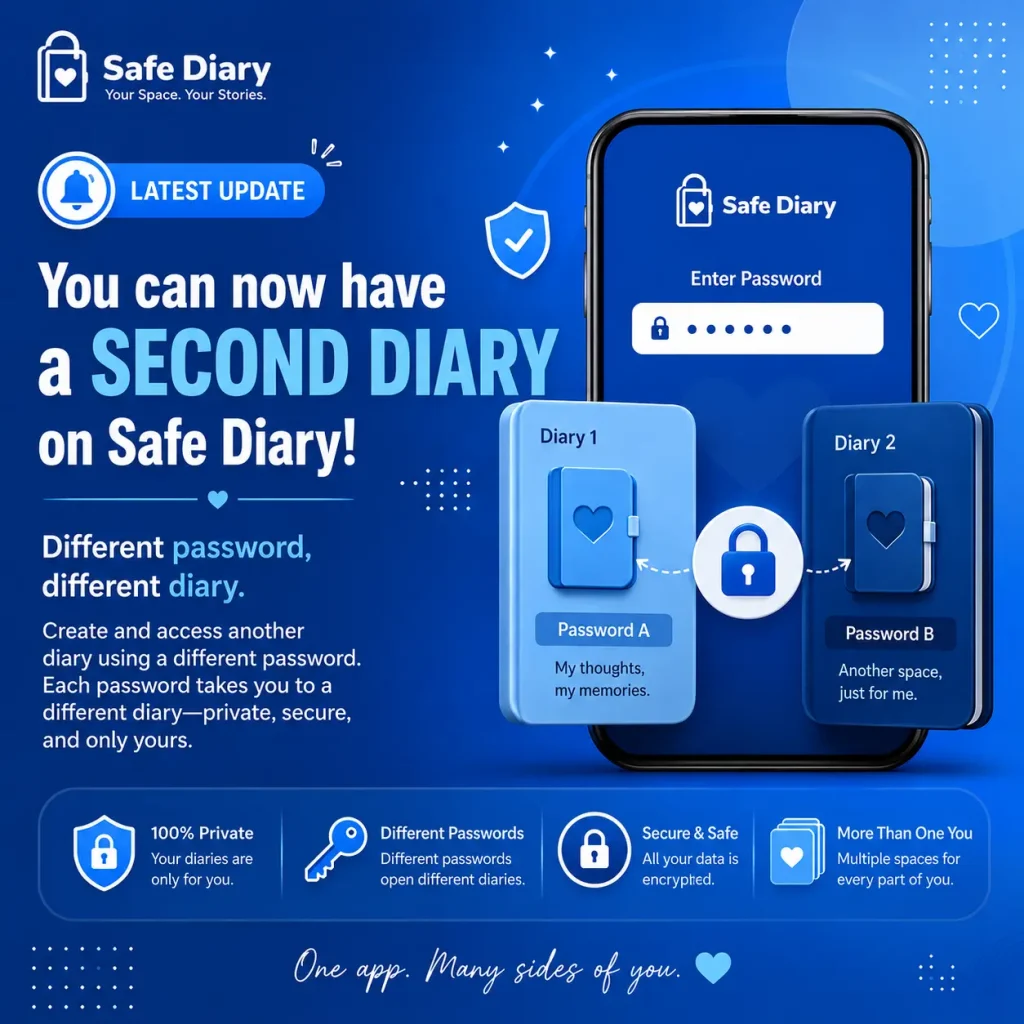
SafeDiary stands out for its focus on privacy. It uses AES-256-GCM encryption, zero-knowledge security, 2FA, auto-lock, and encrypted export/import. It’s browser-based, supports markdown, and offers tags and search, making it ideal for secure, cross-device journaling.
Maintaining consistency with your digital diary is not about perfection. It’s about building a meaningful habit, one entry at a time. With the right strategies and tools, you’ll soon see the benefits in your daily life—more clarity, less stress, and a lasting record of your journey.